

The food diary
that asks.
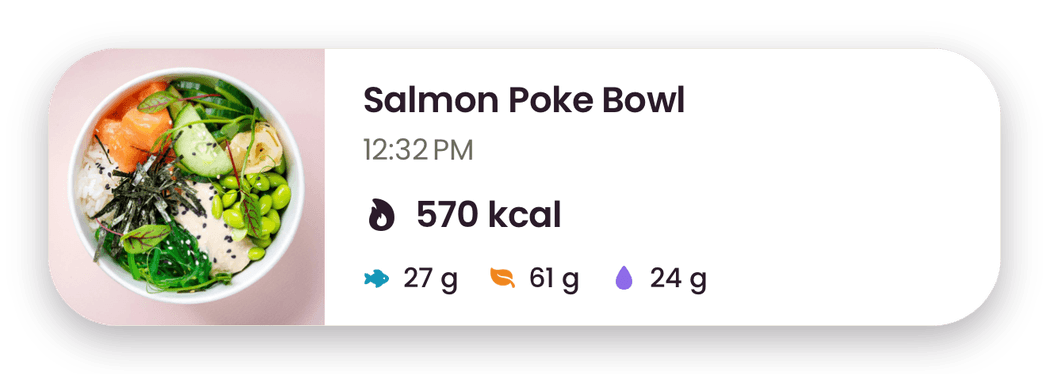
Snap, type or scan a meal. Heyberry asks what a photo can't show, like how much oil went in, so the number fits what you ate.


Free to download 3 days free, then $29.99 a year

 Heyberry asks
How much oil, butter or dressing?

- Personal daily plan
- Photo, barcode or recipe
- No ads
How it works
From your plate to your plan
Step 1
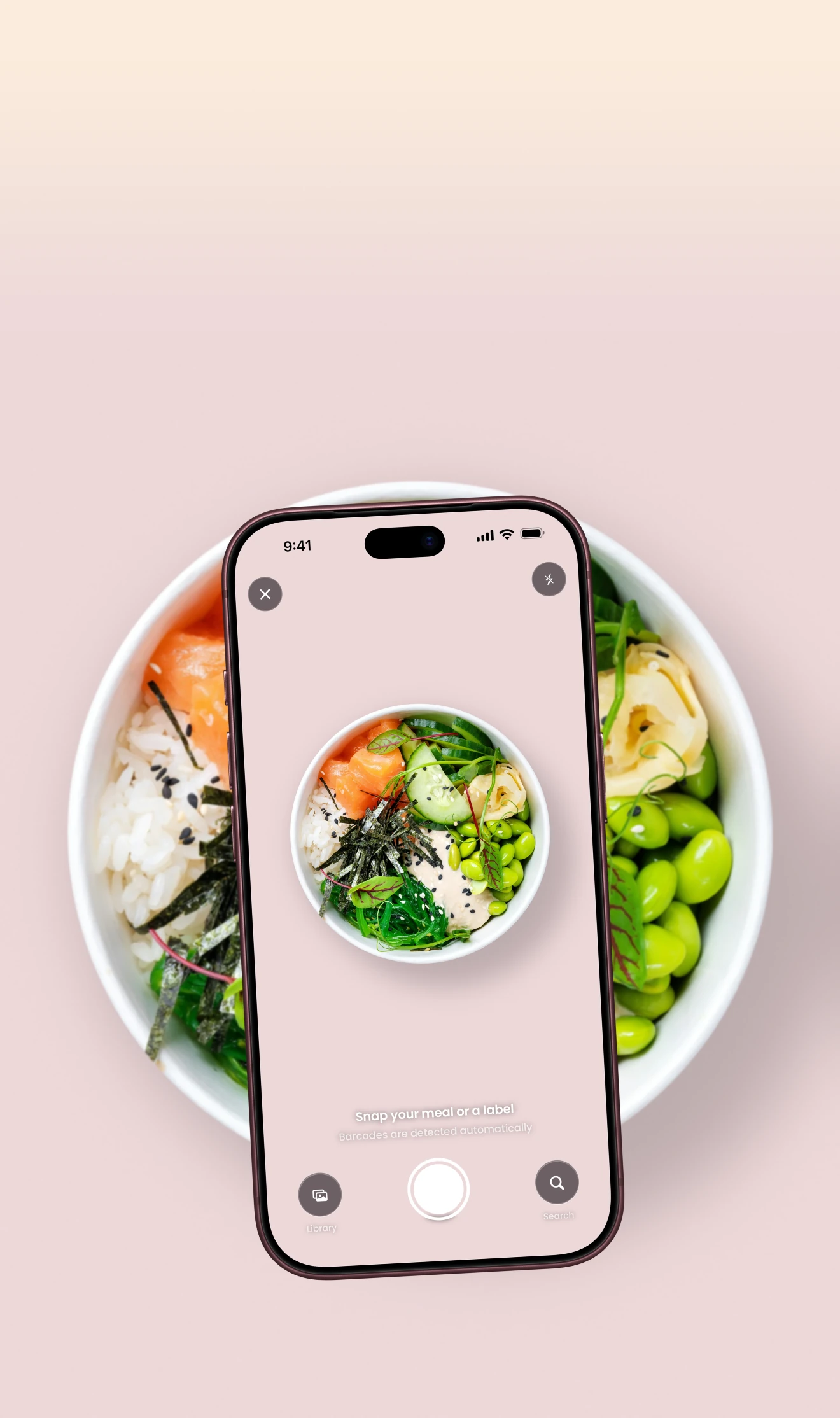
Snap, scan or paste
Take a photo of your plate, scan a barcode or paste a recipe link.
Step 2
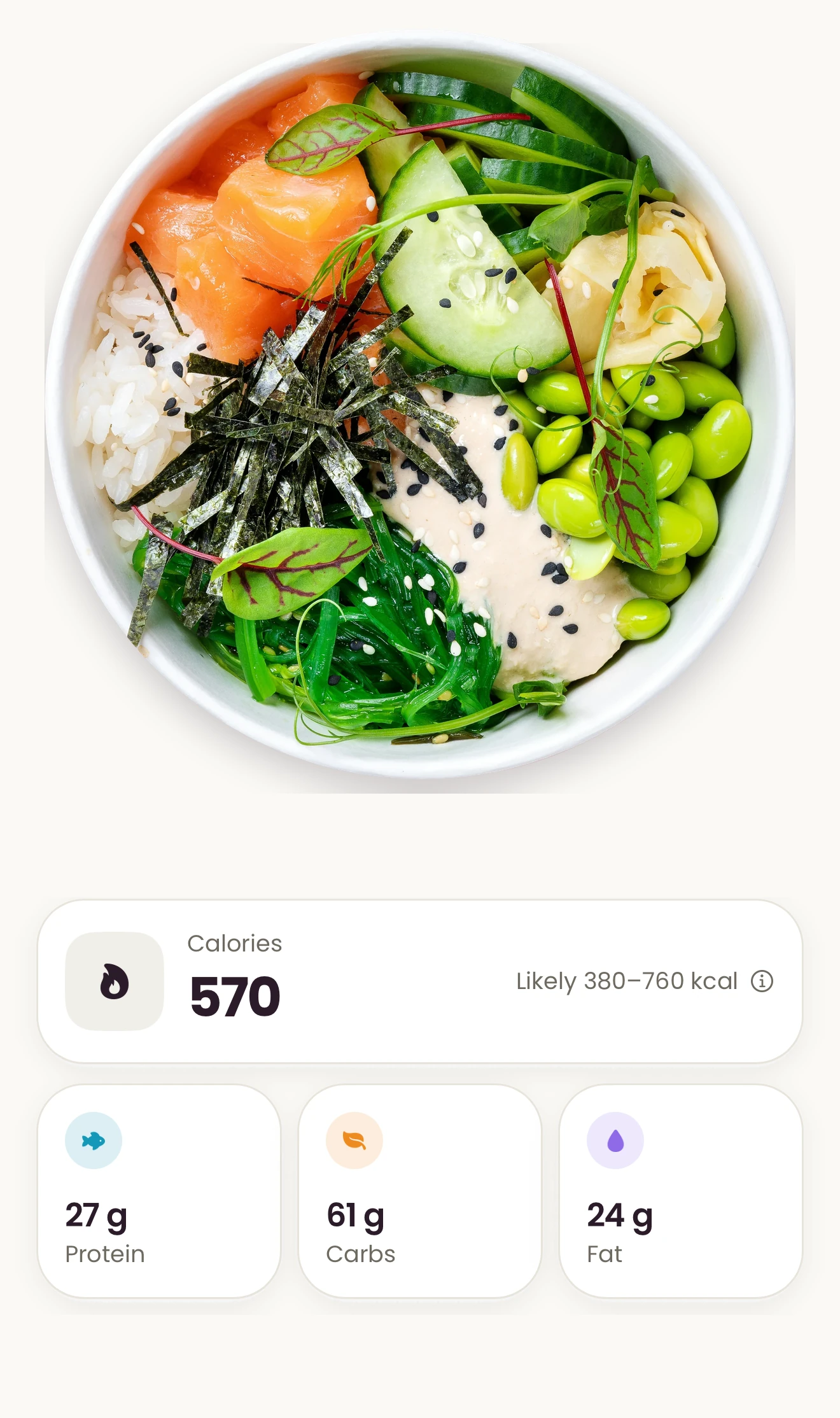
Check every item
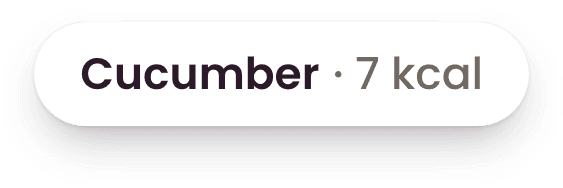
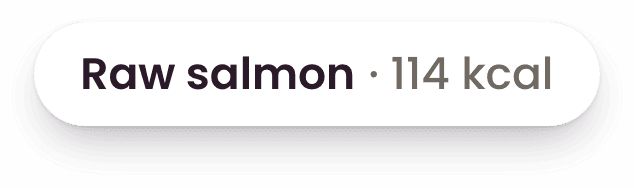
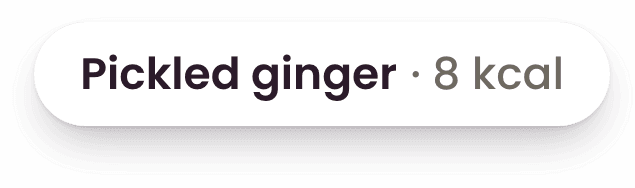
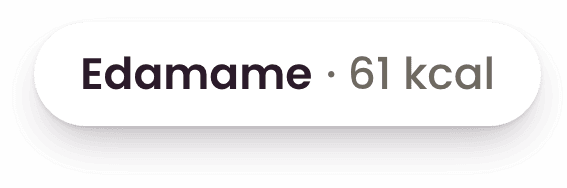
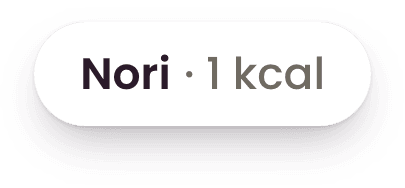
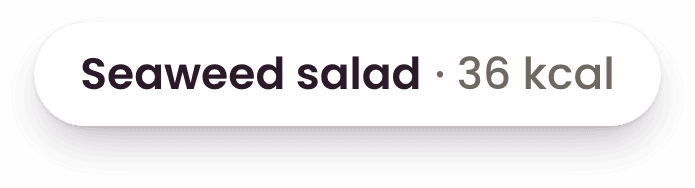
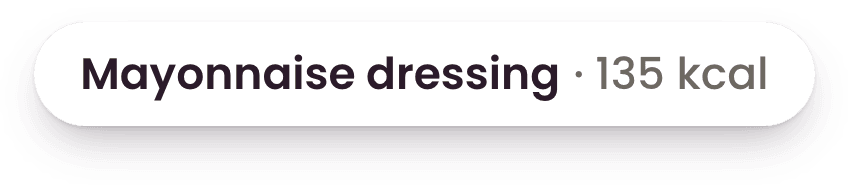
Heyberry names each food and estimates its grams, calories and macros. Change the grams and the total follows.
Step 3
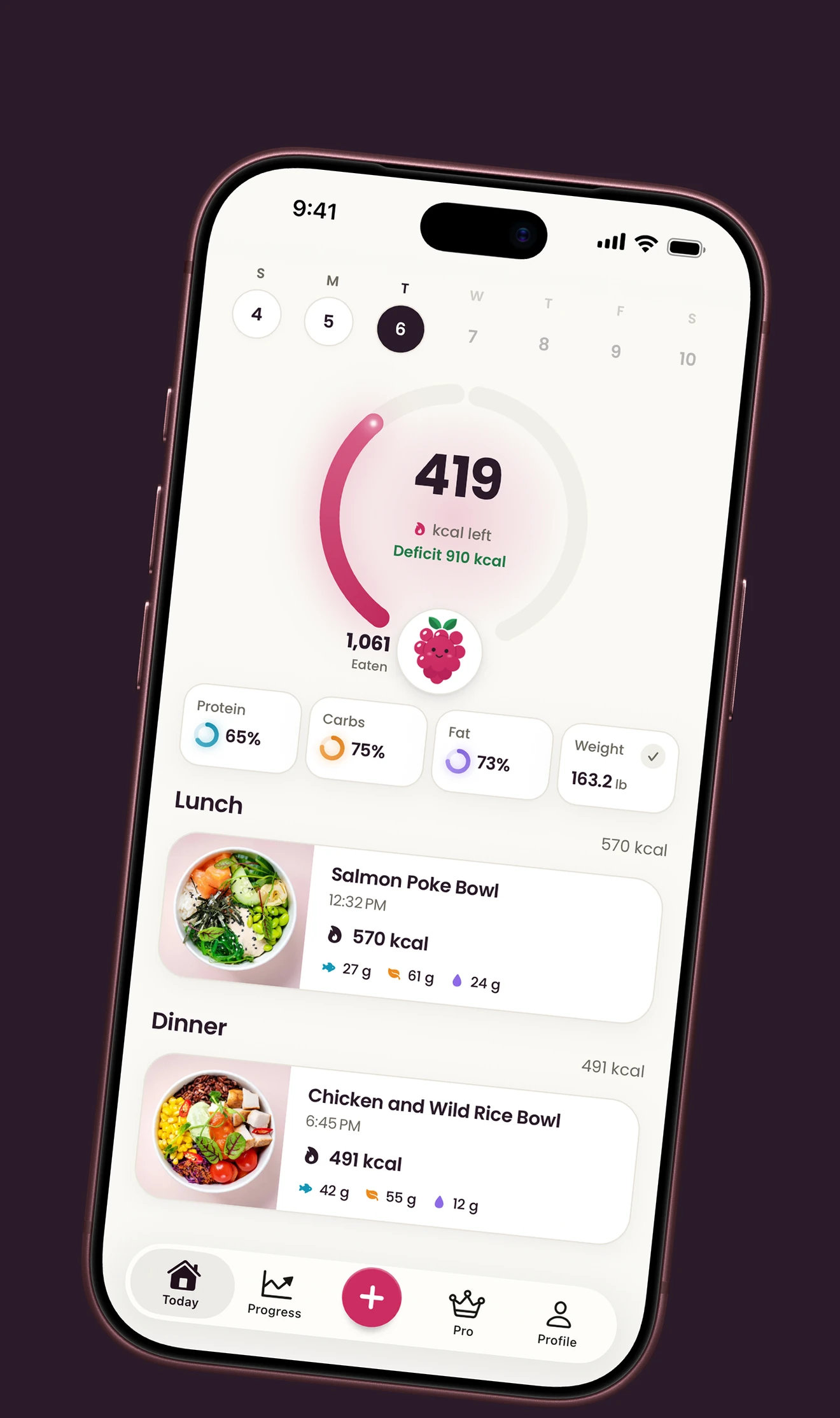
Stay on plan
Your daily target comes from your body, activity and goal. Today shows what’s left as you log.




Why Heyberry
Numbers you can check
Every food, every gram
Heyberry names each food on your plate with its grams and calories. Change any of them and the total follows.
An honest range
Each estimate comes with the range the real number most likely falls in. Answer a question about the portion to narrow it.
Your plan. No ads.
Create your account, set up your plan and start tracking. We don’t show ads, and we never sell your data.
Works with Apple Health
See the calories you burn and your steps next to what you eat, and start your weigh-ins from your smart scale. Burned calories are never added to your budget.
Pricing
Your food log, fully unlocked.
One subscription for your daily meals, personal targets and progress. Just choose how you pay.
Heyberry Pro
Log photos, barcodes and recipes. Track calories, macros, daily targets and progress.
Full access to Heyberry Pro
$29.99/year
Just $2.49 a month, billed yearly
3 days free for new customers
Try every Pro feature. A reminder before your trial ends.
3 days free, then $29.99 a year. Cancel anytime.
What’s included
Meal logging, your way
Snap a photo, scan a barcode, add a recipe or type a meal.
Calories and macros you can check
See each food and portion. Edit the grams to refine the estimate.
Daily targets built around you
A calorie and macro plan for your body, activity and goal.
A clear view of your progress
Keep your food log and follow your weight trend over time.
Apple Health, alongside your meals
See your steps, burned calories and weigh-ins in one place.
Free to download and set up. Meal logging requires Pro.
Buy here. Pick up on your phone.
- 1Choose your billingBuy with the email you’ll use in Heyberry.
- 2Get HeyberryDownload the app on your iPhone or Android phone.
- 3Sign in and startUse the same email to unlock your Pro subscription.
What can I log?
How much does Heyberry cost?
Do I need an account?
How do I delete my data or my account?
How do I cancel a subscription?
An estimate looks wrong. How do I fix it?
Who sees my photos and meals?
A little reading
Make sense of your food log
Learn how a photo calorie counter works, and what to check before saving a meal.
All calorie tracking guides
Start with your next meal
Snap your plate and see what’s on it.
Free to download 3 days free, then $29.99 a year